
Try a membership card right now
A digital membership card is a member pass your customers save to Apple Wallet or Google Wallet, with no app to download. Scan the code with your phone to add a demo card and see exactly what your members get.

Adds to Apple Wallet or Google Wallet
From first visit
to loyal regular.
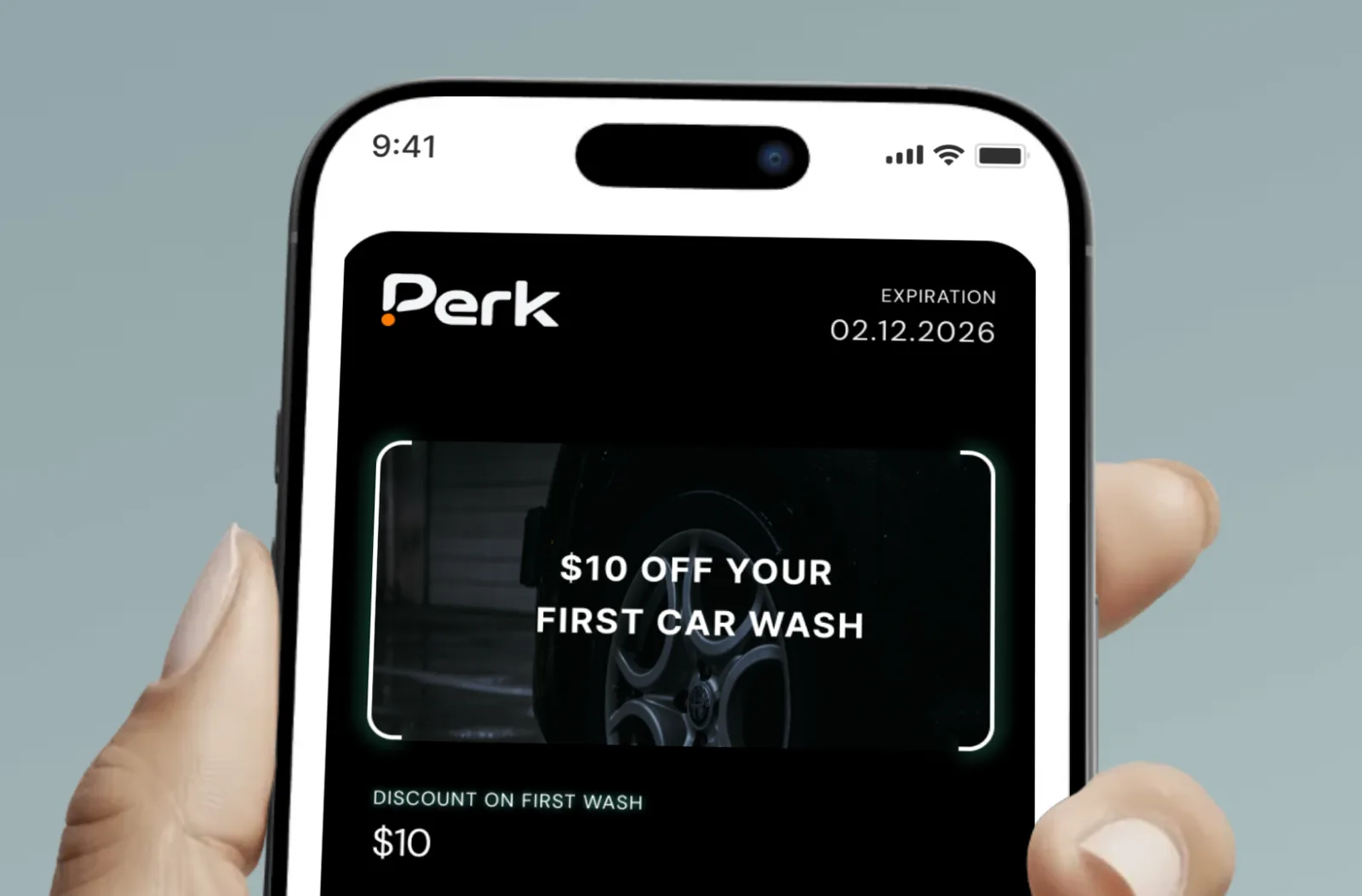
Create your membership card
Set up your tiers, like Silver and Gold, with the benefits and visit limits for each. Add your logo and colours and watch the live preview.


Customers save it in two taps
They scan your QR code or tap a link, and the card sits in Apple Wallet or Google Wallet. No app to install.

Check members in at the counter
Your team scans the card with the Perk scanner to log each visit, and the card updates with the visits the member has left.
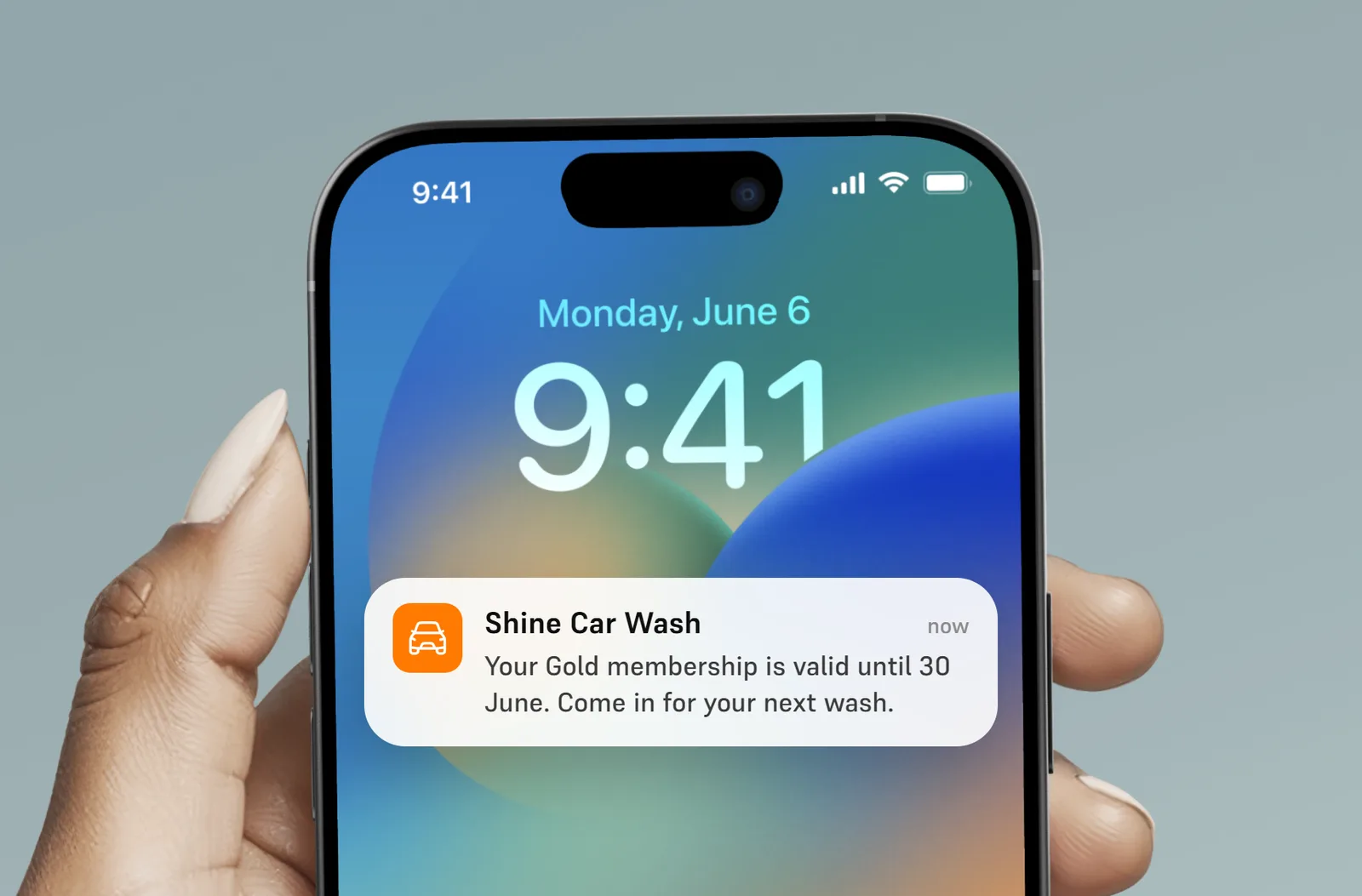
Message them between visits
Send reminders and offers straight to their lock screen, so they remember you before the next visit.
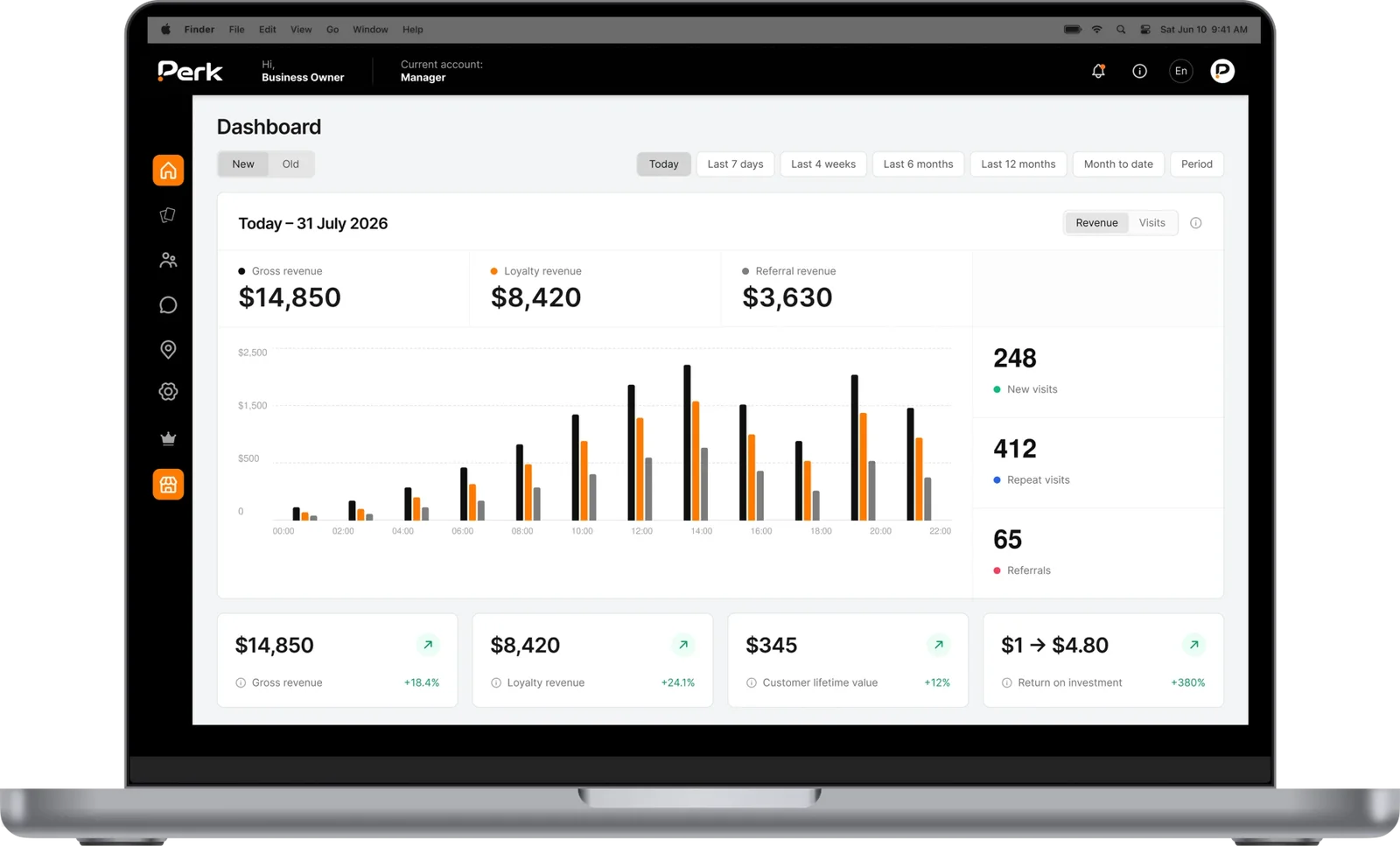
See who comes back
Track active, new and lapsed members, and see who is using their membership and who has gone quiet.
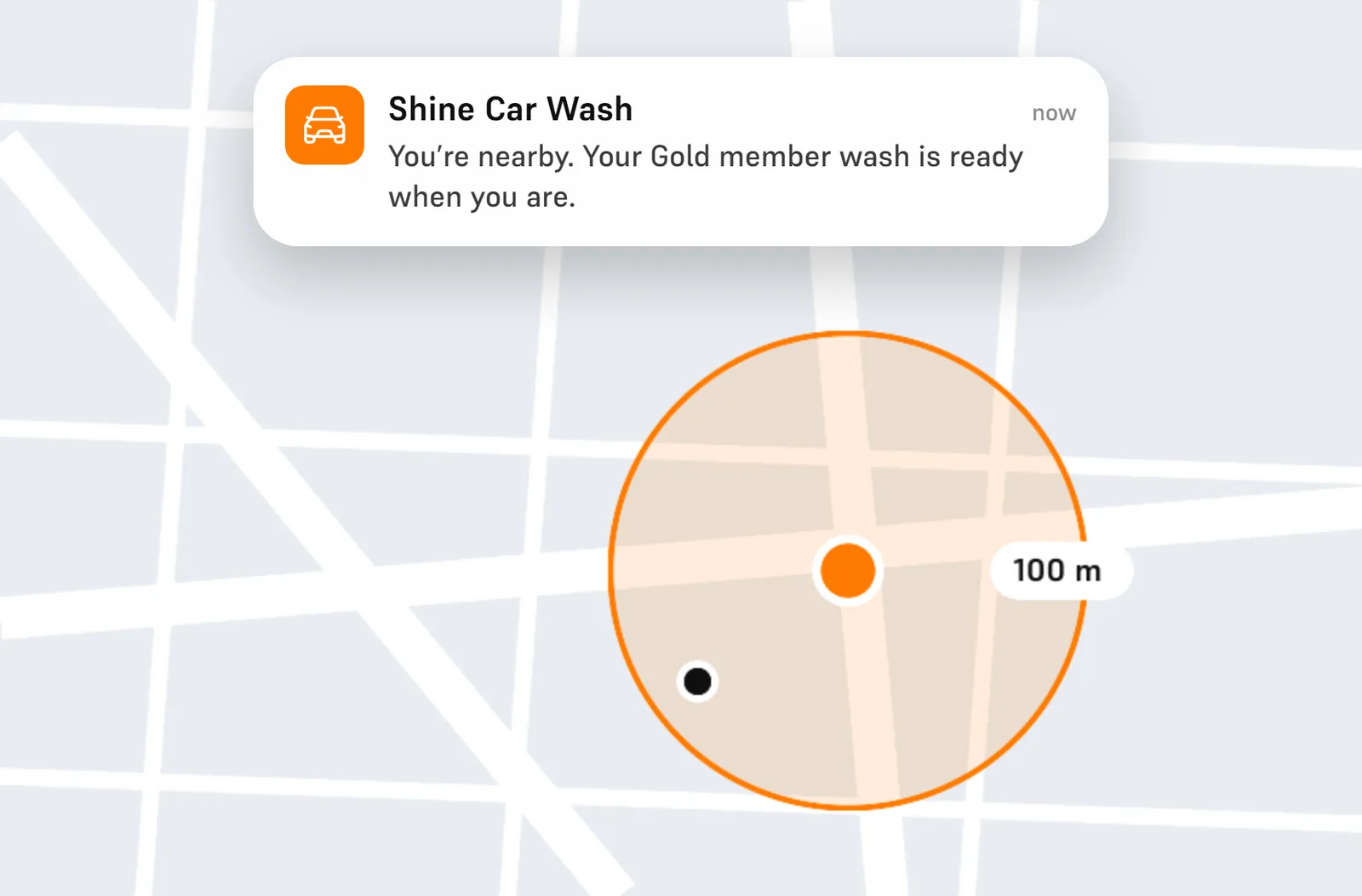
Catch them walking past
Pop up on their lock screen when they’re near your shop, with an offer or a reminder that turns walking past into stopping in.
Your card.
Your rules.
Tiers with their own benefits
Create several tiers, each with its own name, description, benefits and visit limits, and pause a tier when you stop offering it.
Visit limits per period
Give each tier a set number of visits, washes or classes per period. The label is yours to choose.
One check-in per day
Limit check-ins per day so a single membership can’t be used by several people on the same day.
Expiry and renewal
Set memberships to last forever, end on a date, or run for a number of days, and renew a member from their profile.
Member photo on the card
Add a photo field to sign-up and show it on the front of the card, so staff can see who the card belongs to.
Updates on the lock screen
Members get a notification when their visits or membership period change, so they always know what’s left.
Questions about
digital membership cards.
Still have a question? Email us at hello@umiusperk.com.
What is a digital membership card?
A digital membership card is a member pass that lives in your customer’s phone wallet. It shows their tier, their benefits and how many visits they have left, and your team scans it at the counter. With Perk it works in Apple Wallet and Google Wallet, with no app to download.
Do my members need to download an app?
No. They scan your QR code or tap a link and save the card to Apple Wallet or Google Wallet in a couple of taps.
Can I offer different membership levels?
Yes. You can create several tiers, each with its own name, benefits and visit limits, and turn a tier off when you no longer offer it.
Can I limit how many times a member visits?
Yes. Each tier can include a set number of visits per period, and you can limit check-ins to a set number per day.
Can I move my current members over?
Yes. You can issue cards to your existing members in bulk, choosing their tier and period, and send each one an install link by SMS or email.
Can I change the card type after launch?
No. The card type and main settings are fixed once the card goes live, so we help you plan your tiers before you launch.