
Try a coupon right now
A digital coupon is an offer your customers save to Apple Wallet or Google Wallet, like 30% off a first visit, with no app to download and no paper to lose. Scan the code with your phone to add a demo coupon.

Adds to Apple Wallet or Google Wallet
From first visit
to loyal regular.
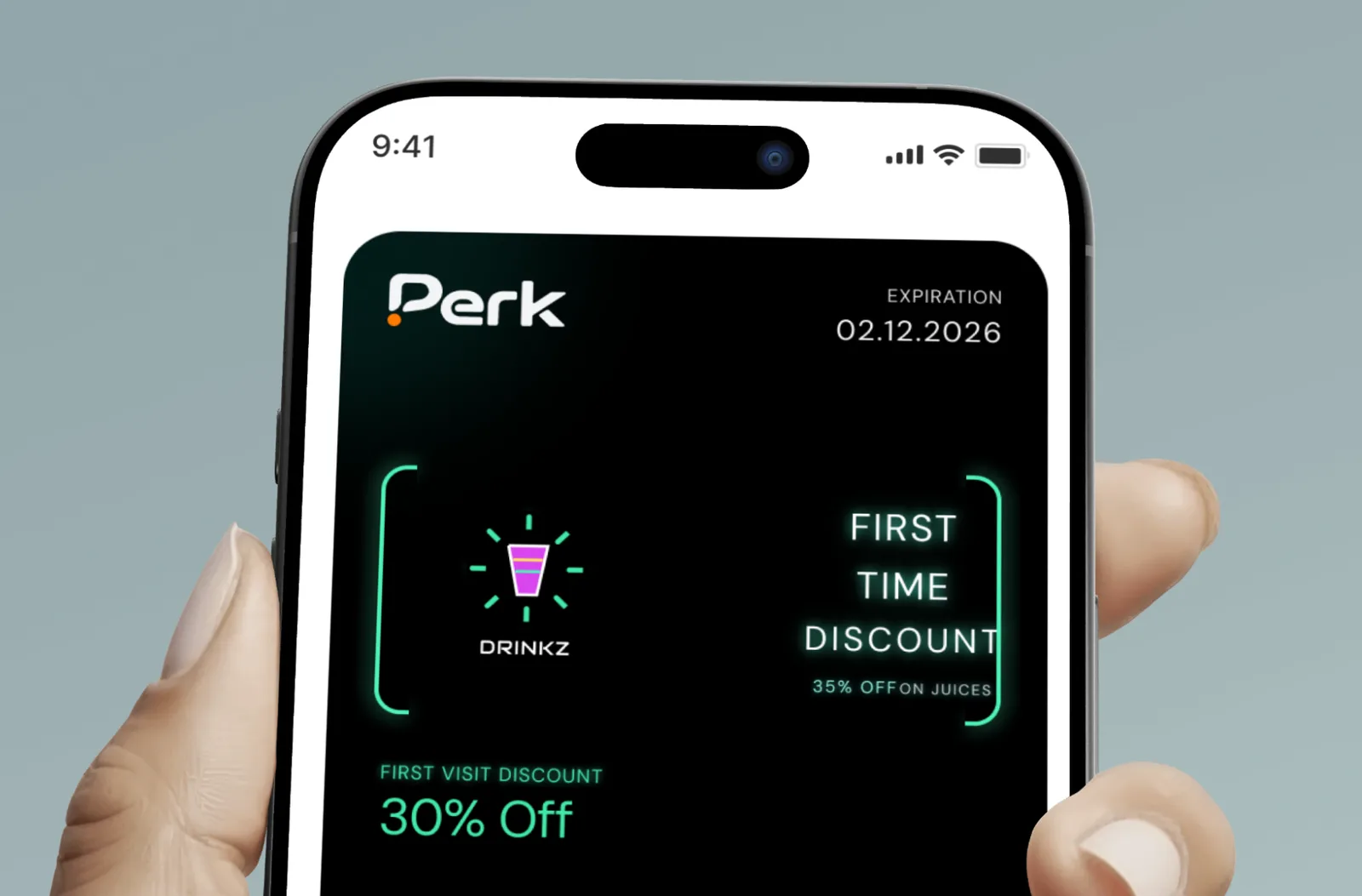
Create your coupon
Choose the offer for a first visit, like a percentage off or a free item, and set an expiry date. Add your logo and colours and watch the live preview.


Customers save it in two taps
They scan your QR code or tap a link, and the card sits in Apple Wallet or Google Wallet. No app to install.
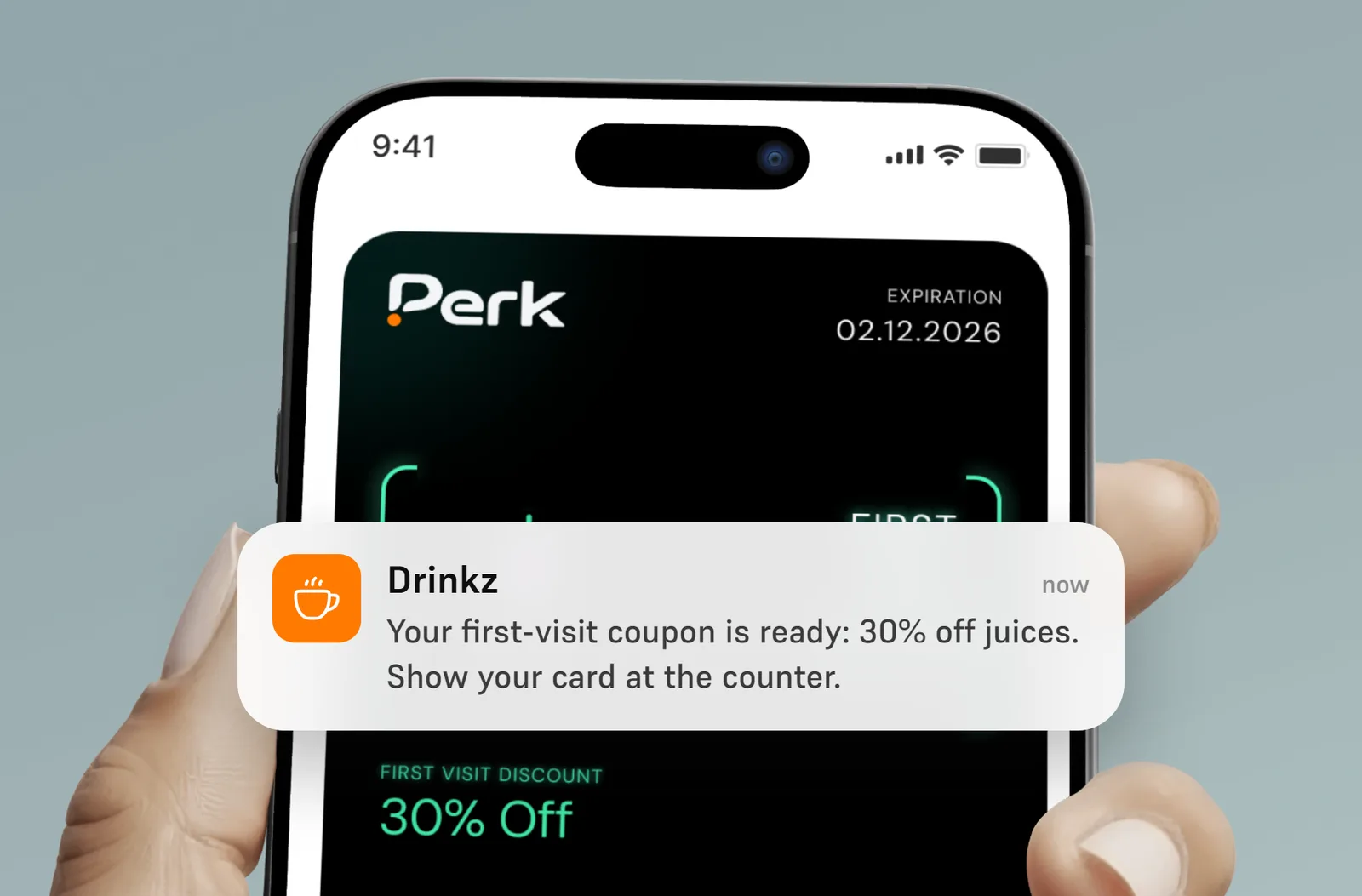
Redeem it at the counter
Your team scans the coupon with the Perk scanner, and the offer is marked as used so it can’t be claimed twice.
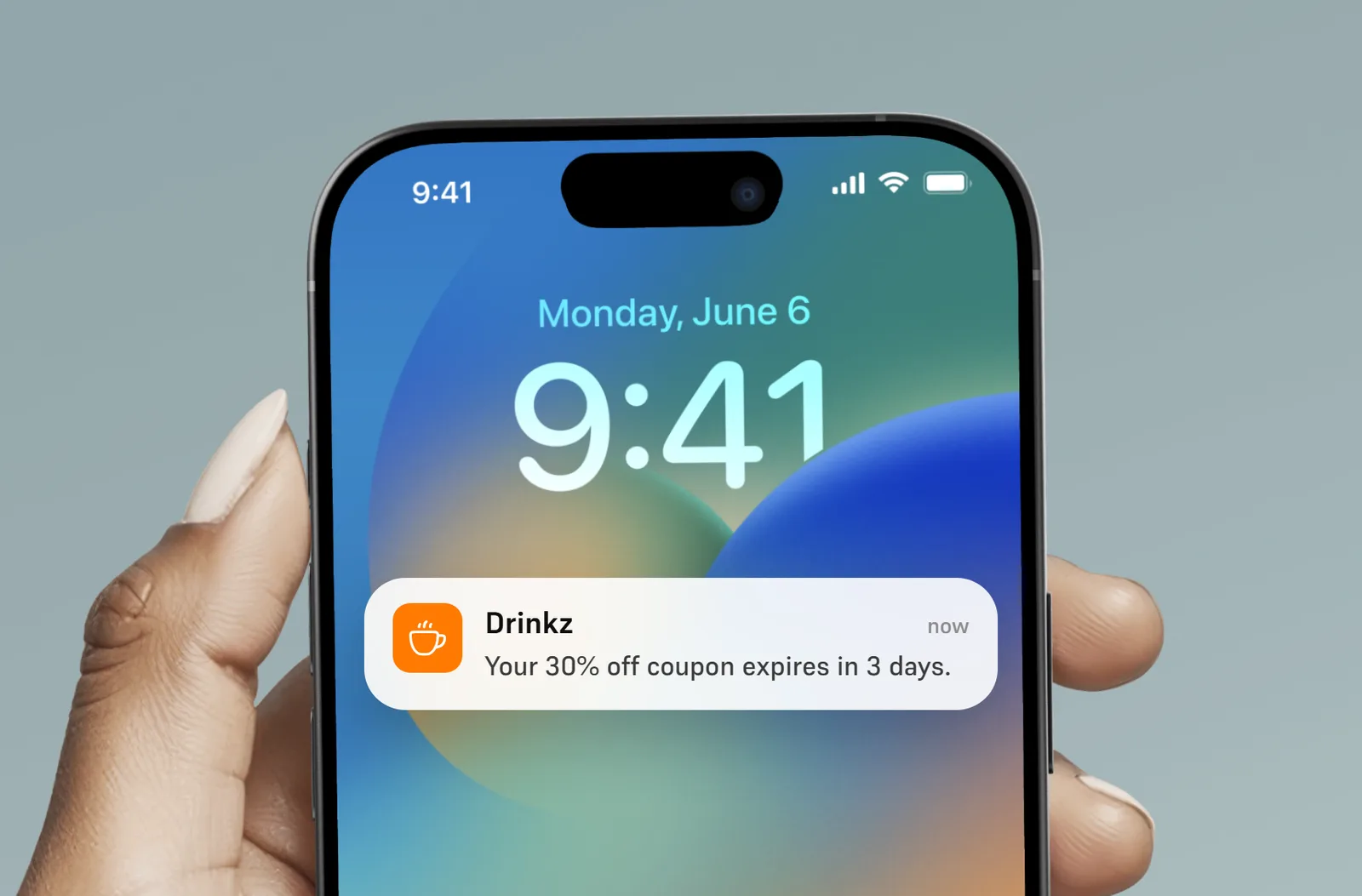
Message them between visits
Send reminders and offers straight to their lock screen, so they remember you before the next visit.
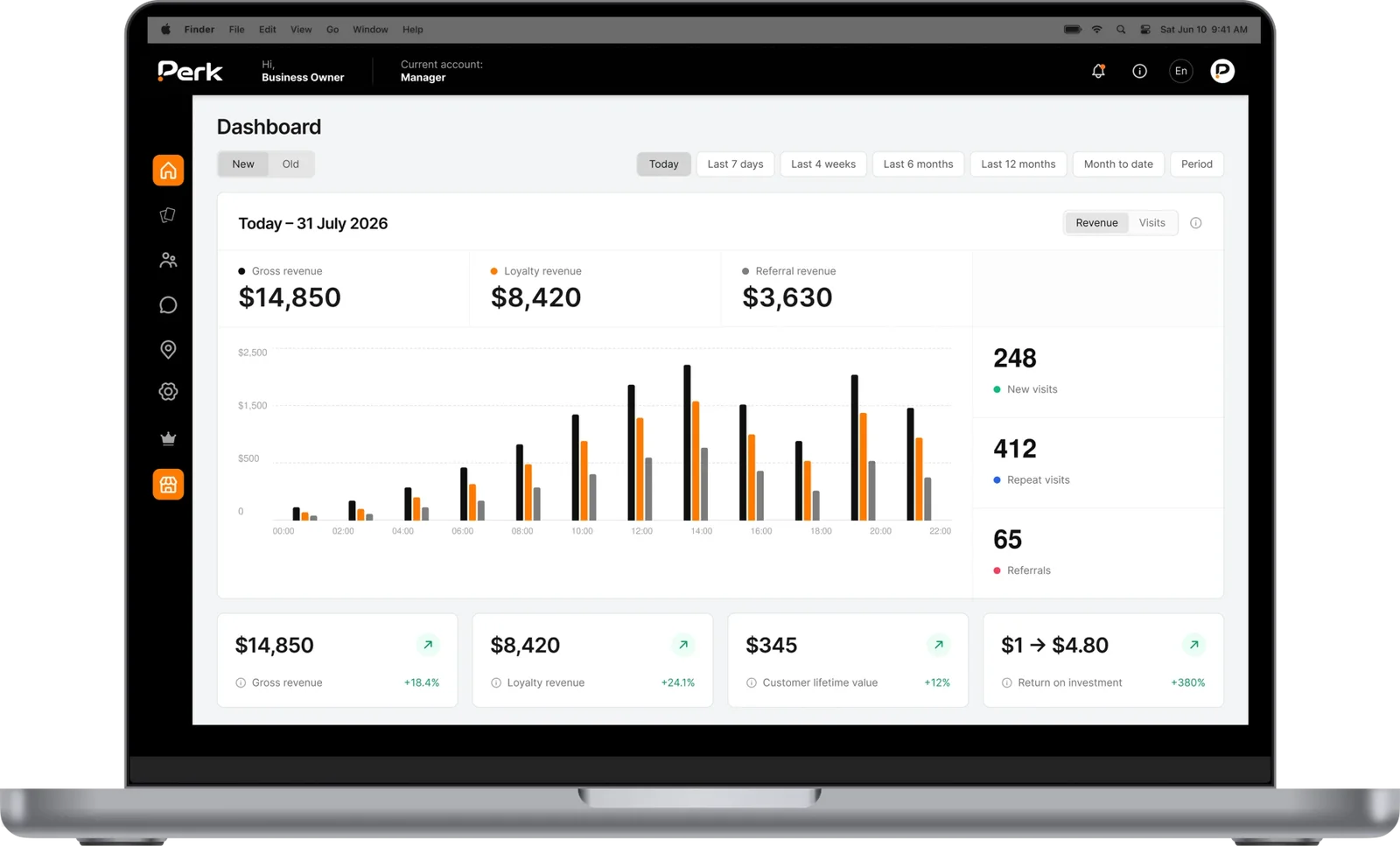
See who comes back
See how many coupons were saved and redeemed, and which channels brought in the most new customers.

Catch them walking past
Pop up on their lock screen when they’re near your shop, with an offer or a reminder that turns walking past into stopping in.
Your card.
Your rules.
A first-visit offer
Choose the reward a new customer gets on their first visit, like 30% off or a free drink.
Linked to your loyalty card
Link the coupon to your stamp or reward card, so new customers move on to your loyalty program, and existing members can’t claim it again.
An expiry date that adds urgency
Set the coupon to expire a number of days after it’s saved, so new customers come in sooner.
A link for every channel
Make a separate link and QR code for Instagram, flyers or your window, and see which brings in the most new customers.
A cap on how many you give
Limit the number of coupons issued, so an offer ends when it has done its job.
A nudge when they’re nearby
Pop up on their lock screen when they’re near your shop, so the coupon gets used instead of forgotten.
Questions about
digital coupons.
Still have a question? Email us at hello@umiusperk.com.
What is a digital coupon?
A digital coupon is an offer that lives in your customer’s phone wallet instead of on paper or in an email. They show it at the counter and your team redeems it. With Perk it works in Apple Wallet and Google Wallet, with no app to download.
Do my customers need to download an app?
No. They scan your QR code or tap a link and save the coupon to Apple Wallet or Google Wallet in a couple of taps.
Can a customer use the coupon more than once?
No. The coupon is for a first visit, and once your team redeems it, it’s marked as used. If you link it to your loyalty card, people who already have that card can’t install the coupon either.
How do I share the coupon?
Share its link or QR code anywhere: social media, flyers, your website or your shop window. You can make a separate link for each channel to see which works best.
Can I set an expiry date?
Yes. You can set the coupon to expire a number of days after it’s saved. Choose this before you launch, because it can’t be changed afterwards.
What happens after the first visit?
If you link the coupon to a stamp card or reward card, the new customer can join your loyalty program and keep coming back.