
Try a stamp card right now
A digital stamp card is a punch card your customers save to Apple Wallet or Google Wallet, with no app to download. Scan the code with your phone to add a demo card and see exactly what your customers get.

Adds to Apple Wallet or Google Wallet
From first visit
to loyal regular.
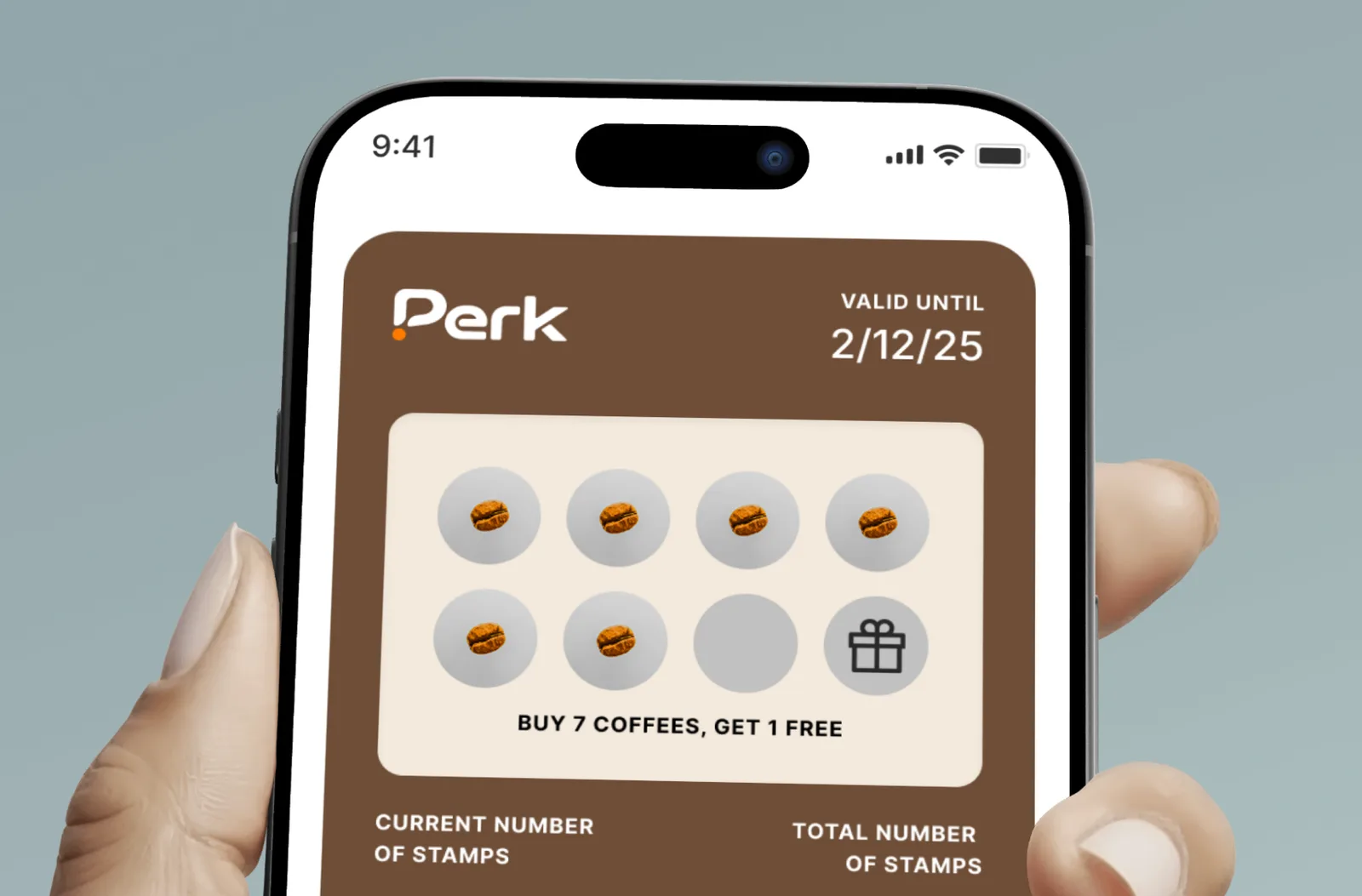
Create your stamp card
Choose your stamp count and reward, then add your logo and colours. You see a live preview as you go.


Customers save it in two taps
They scan your QR code or tap a link, and the card sits in Apple Wallet or Google Wallet. No app to install.
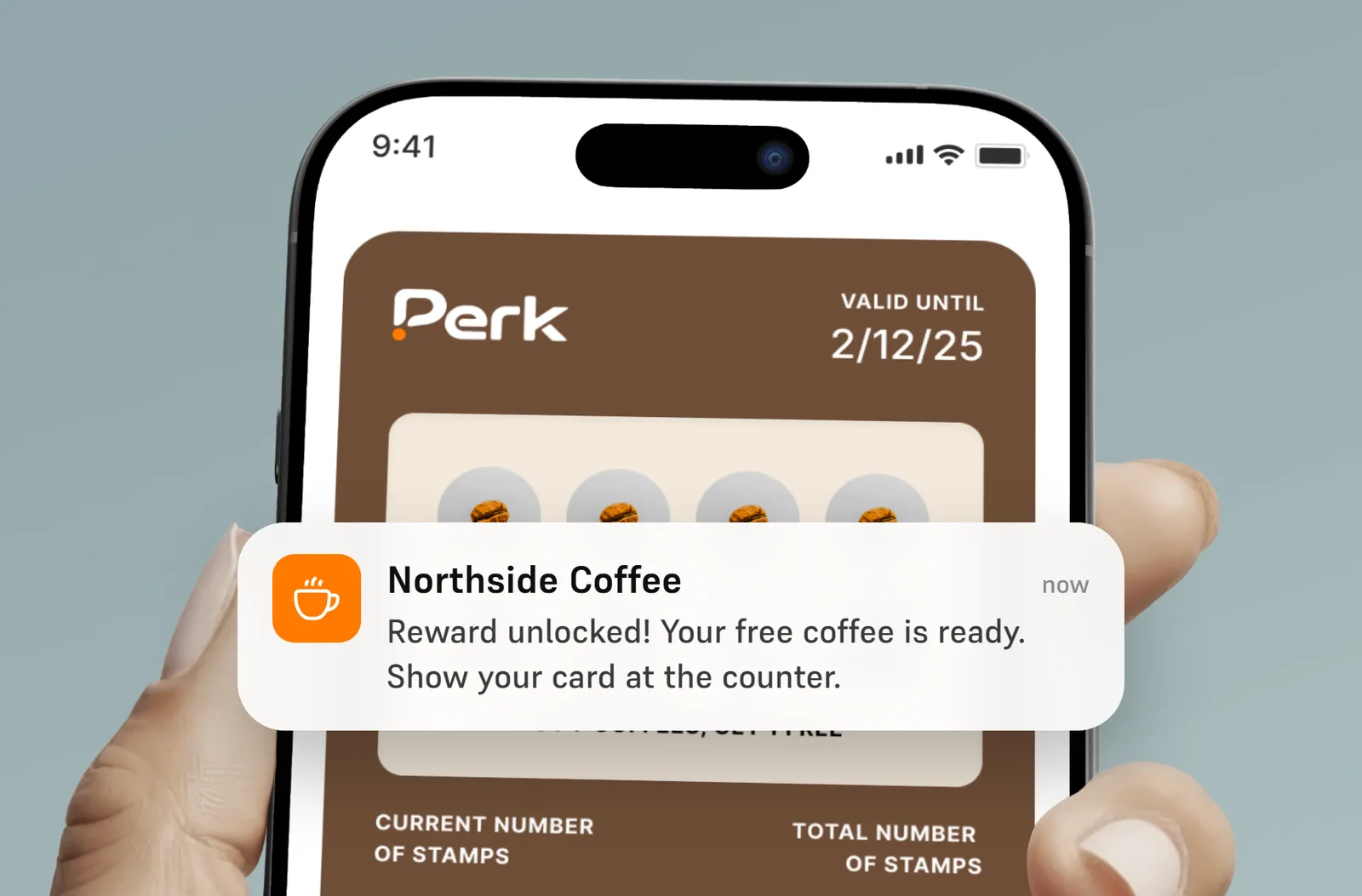
Stamp and reward them
Your team adds stamps with the Perk scanner at the counter, and the reward unlocks when the card is full.
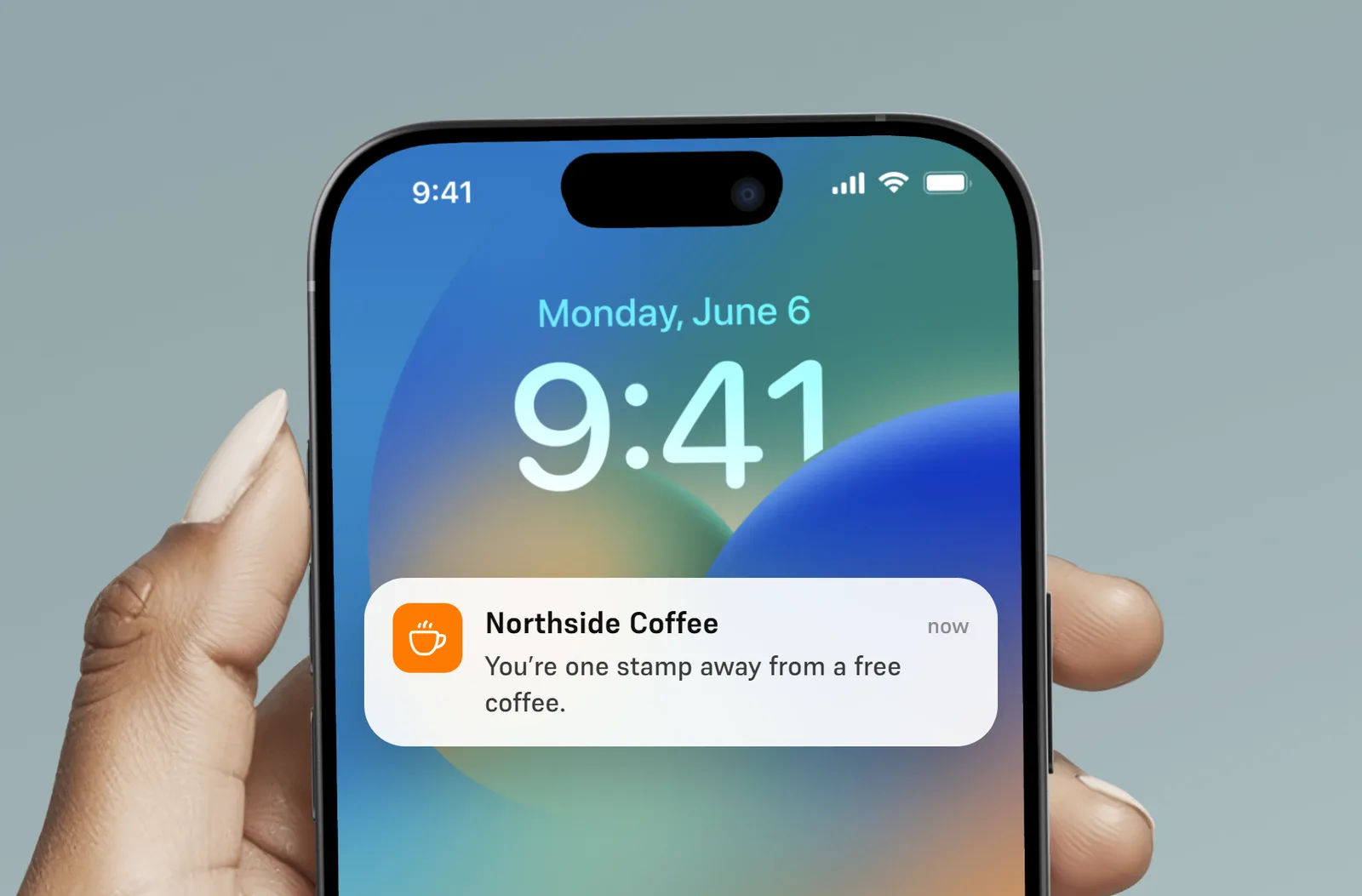
Message them between visits
Send reminders and offers straight to their lock screen, so they remember you before the next visit.
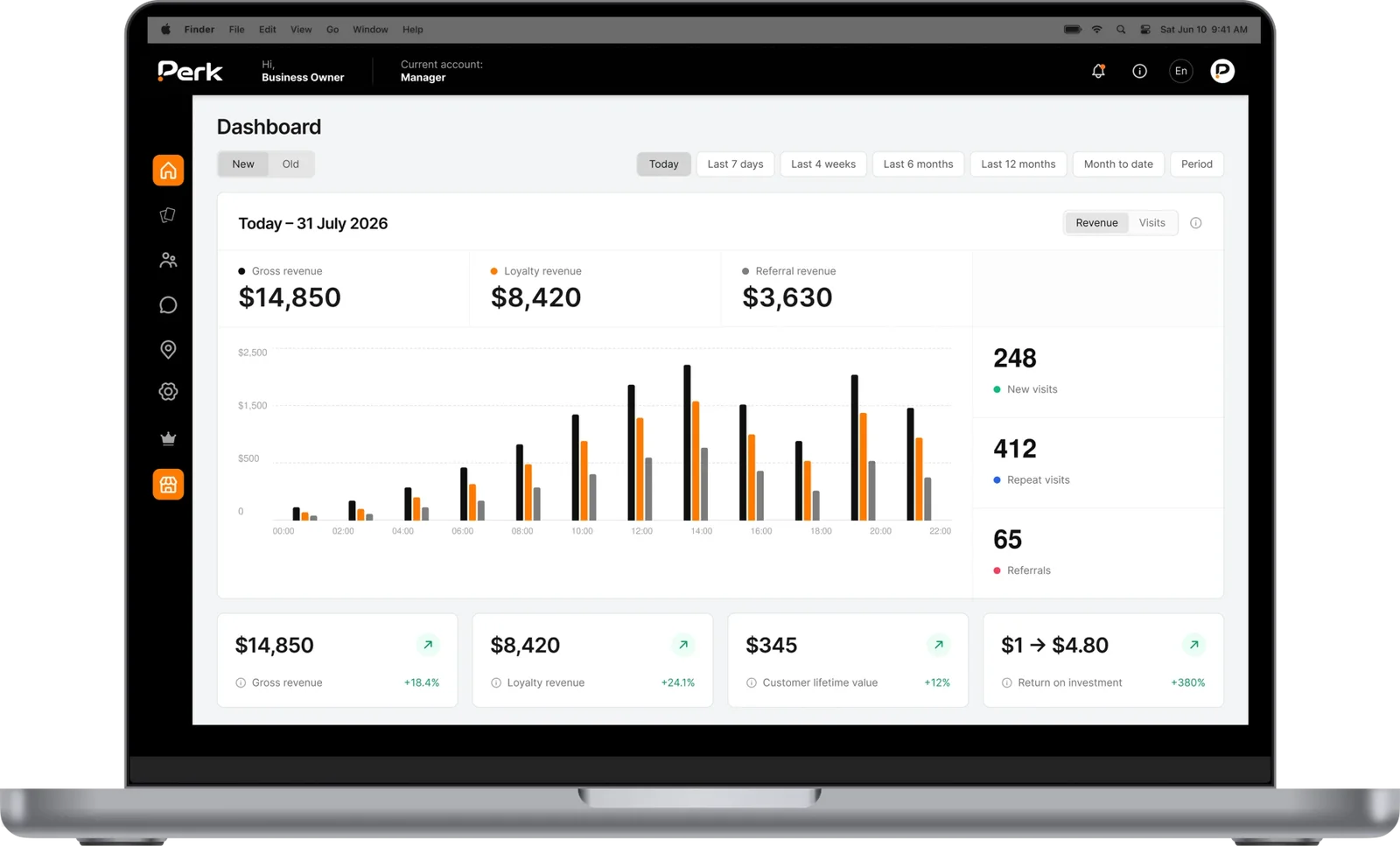
See who comes back
Track visits, stamps and rewards, and spot the customers who haven’t been in for a while.

Catch them walking past
Pop up on their lock screen when they’re near your shop, with an offer or a reminder that turns walking past into stopping in.
Your card.
Your rules.
Stamps per visit or per amount spent
Give one stamp per visit, or set stamps by spend so bigger orders earn more. Your team can also add stamps by hand.
Rewards along the way
Set milestones such as 3, 6 and 9 stamps, so customers have something to look forward to before the card is full.
Stamps that make people feel welcome
Give a few stamps when someone joins, and add birthday stamps with a message on their lock screen.
Limits that stop stamp abuse
Allow one check-in per customer per day, cap stamps per day, and see which team member added every stamp.
More stamps in quiet hours
Give extra stamps during the times you want to fill, like mid-afternoon or early evening.
Stamps for bringing a friend
Reward both the customer who refers a friend and the friend who joins.
Questions about
digital stamp cards.
Still have a question? Email us at hello@umiusperk.com.
What is a digital stamp card?
A digital stamp card is a loyalty punch card that lives in your customer’s phone wallet instead of their pocket. They collect a stamp each time they visit or buy, and get a reward when the card is full. With Perk it works in Apple Wallet and Google Wallet, with no app to download.
Is a digital stamp card the same as a digital punch card?
Yes. Stamp card and punch card are two names for the same idea. Our guide to switching from paper to a digital punch card explains how the change works for your customers and staff.
Do my customers need to download an app?
No. They scan your QR code or tap a link and save the card to Apple Wallet or Google Wallet in a couple of taps.
How do my staff add stamps?
They scan the customer’s card with the Perk scanner on any phone. Each team member can have their own login, so every stamp is tracked to a person and a time.
Can I change the number of stamps later?
The number of stamps is fixed once the card goes live, so choose it before you launch. We can help you pick a target and a reward in your demo.
Do stamps expire?
Only if you want them to. You can set each stamp to expire a number of days after it’s earned, and stamps that have already reached a reward don’t expire. You can also set an end date for the whole card, or leave it open.
Can I move customers over from my paper punch cards?
Yes. You can import your existing customers with their current balances, then send their new cards by SMS or email so nobody loses their progress.